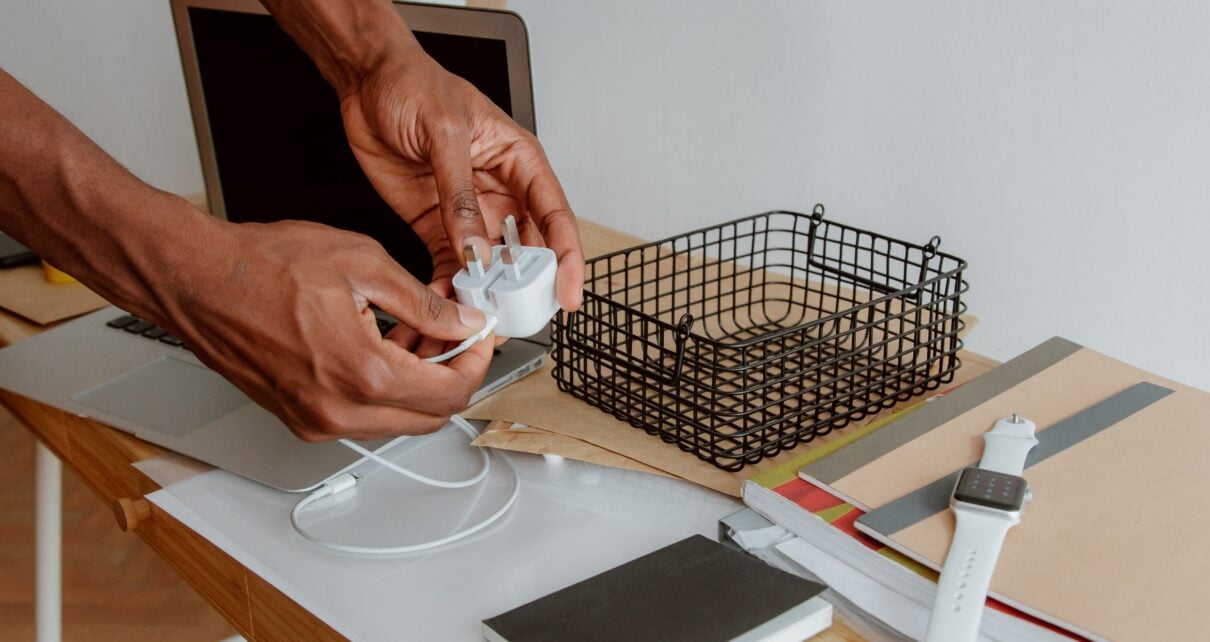
Leaving appliances plugged in around the clock quietly drains electricity and places unnecessary continuous stress on your home’s wiring. If you frequently experience tripped breakers, warm outlets, or odd buzzing noises, reaching out to a qualified electrical repair service can help you identify underlying capacity issues before they become dangerous. Adopting the simple habit of disconnecting unused devices protects your property, lowers your bills, and extends the lifespan of your electronics.
The Drain of Phantom Power
Many devices continue to pull a steady trickle of electricity even after you press the power button. This phenomenon, often called vampire power or standby power, happens with almost anything featuring a digital clock, a standby light, or a remote control receiver. Coffee makers, televisions, and gaming consoles constantly draw power just waiting for your next command to wake up. While a single device only pulls a few watts on its own, multiplying that minor draw by dozens of electronics across your house creates a noticeable bump in your monthly utility bill. Over the course of a year, this invisible drain accounts for a surprising portion of your energy expenses. Unplugging these items halts that hidden drain completely, keeping your hard-earned money in your bank account rather than paying for idle energy.
Reducing Wear on Your Circuit Breakers
Your home’s electrical panel is engineered to handle specific loads, but continuous phantom power creates a baseline draw that constantly engages the system. When you leave everything plugged in, you reduce the available capacity on that specific circuit. This means that when you finally turn on a high-draw appliance like a vacuum cleaner, a space heater, or a desktop computer, the circuit is already partially loaded. That pre-existing load makes it much easier to trip the breaker, leading to frustrating power interruptions. By severing the connection of unused items, you free up bandwidth on your circuits. This allows your panel to operate smoothly and efficiently without constant underlying stress, preventing nuisance trips when you actually need to use your tools.
Mitigating the Risk of Power Surges
Severe thunderstorms, grid fluctuations, and blown transformers send sudden spikes of high voltage rushing through your home’s wiring. If a device is plugged directly into the wall during one of these unexpected events, the electrical surge travels straight into its internal components, instantly destroying fragile microchips and delicate motherboards. A physically unplugged device is completely immune to grid-based power surges. While high-quality surge protectors offer a great line of defense for a home theater or a home office, physically removing the plug from the receptacle remains the only foolproof method to protect your most expensive electronics from unpredictable weather patterns or sudden utility grid failures.
Decreasing Fire Hazards in Older Properties
Older homes often feature aging insulation, outdated wiring, and worn-out receptacles that struggle to maintain a secure grip on plug prongs. When a power cord sits in a loose outlet permanently, the poor physical connection generates excess heat. Over time, this constant low-level heating degrades the surrounding plastic and wire insulation, creating a serious fire risk hidden just behind the drywall. Unplugging heat-generating items like toaster ovens, curling irons, slow cookers, and space heaters when they aren’t in active use entirely eliminates the risk of an electrical short sparking a fire while you are asleep or away at work. It also prevents pets or rodents from accidentally chewing through a live wire.
Extending the Lifespan of Device Batteries
Leaving your laptop, tablet, or smartphone on the charger long after the screen displays a 100% charge degrades the internal battery over time. Constant voltage applied to a lithium-ion cell generates subtle heat that slowly ruins its ability to hold a full charge, leading to a battery that drains incredibly fast during daily use. By unplugging your chargers when your devices are full, or simply unplugging the charging brick from the wall when nothing is attached to it, you preserve the longevity of your expensive portable electronics and stop the charger itself from continuously pulling power.
Identifying Which Items to Disconnect
You don’t need to crawl behind your couch every night to unplug every single reading lamp. Focus your daily efforts on the devices that actually make a difference.
- Small kitchen appliances like blenders, toasters, and air fryers should always be disconnected after you finish cooking to prevent accidental activation.
- Bathroom tools like hair dryers and electric shavers belong in a drawer, not permanently wired into a damp environment where water exposure is highly likely.
- Guest room televisions, spare computers, and secondary gaming consoles that only see occasional use should stay disconnected until you actually need them.
- Standalone phone and laptop chargers should be pulled from the wall the moment your device is fully powered.
Devices That Should Stay Connected
Some items rely on a constant connection to function correctly, and unplugging them daily causes far more harm than good.
- Smart home hubs and security cameras need continuous power to maintain your network connection and keep your property safe.
- Internet routers and modems take a significant amount of time to reboot, and frequent power cycling often disrupts your provider’s signal calibration and slows down your network.
- Large appliances like refrigerators and freezers obviously need constant power to keep your food safe and maintain safe temperatures.
- Programmable thermostats require a steady flow of low-voltage power to maintain your preferred climate schedule and keep your climate control system running smoothly.
Simplifying the Process with Smart Power Strips
If pulling plugs out of the wall every single day sounds tedious, you can modernize your approach with updated hardware. Advanced power strips feature a master outlet that directly controls the rest of the board. When you turn off the television plugged into the main master socket, the strip automatically cuts the power to the connected soundbar, gaming console, and streaming box. This intuitive setup gives you all the benefits of unplugging your electronics without the physical hassle of wrangling individual cords every single time you leave the room.
Establishing a routine for your home’s energy consumption requires a tiny bit of daily effort, but the long-term payoff is undeniable. You lower your monthly utility costs, reduce the invisible strain on your circuit breakers, and create a much safer living environment. Managing your plugs mindfully keeps your electrical infrastructure running securely for years to come.