In many offices, the same keyboards, headsets and monitors pass from one person to the next across the week. A piece of equipment that suits one user may leave another stiff or distracted within an hour. Business owners who treat shared technology as a comfort question, rather than a simple purchase, tend to see fewer complaints and steadier productivity.
This article looks at the practical comfort of shared office tools. It covers keyboard trays, headset fit, monitor height, cable routes and the everyday routines that keep equipment ready for the next person. The ideas are general and apply to offices of many sizes, from a small team sharing a room to a larger floor with rotating desks.
Keyboard Trays and Desk Pads
A keyboard that sits too high or too far forward forces the shoulders into an awkward position. A keyboard tray that slides under the desk can bring the keys to a comfortable height and allow the elbows to stay close to the sides. Readers may also want to visit Dailipay.net.
A soft desk pad gives the forearms a gentle surface to rest on during pauses. Choose one that is flat, stable and easy to wipe clean. A pad that slides or curls at the edges can distract the user and create small strains as they reach for the mouse. Wipe the pad at the end of each shift so the next person starts with a clean surface.
Headset Fit for Shared Use
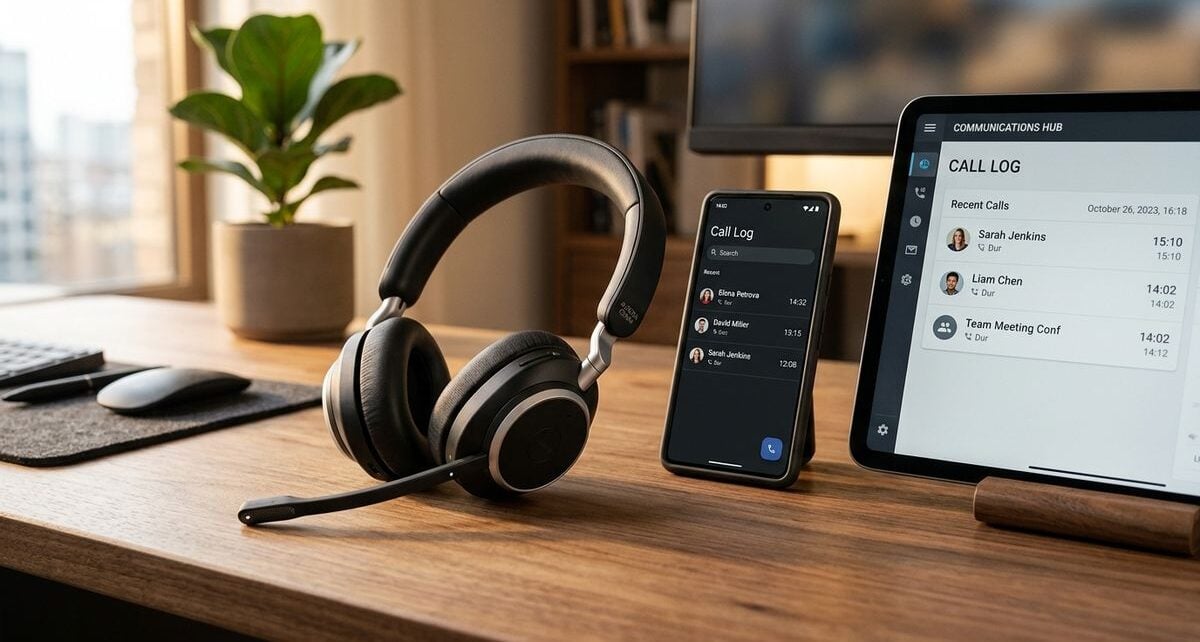
Headsets are often the most uncomfortable item in a shared office. A band that pinches the head or ear cups that press on the ears can cause fatigue after a long call. Look for a lightweight design with an adjustable band and soft pads that are easy to replace. For a related read on this site, see Marketing Lessons a Founder Passes to Her Adult.
Provide a simple way for people to adjust the headset before they start. A quick guide near the desk shows how to set the band and microphone so that each user can get comfortable without asking for help. Replacement pads that can be changed between users keep the equipment fresh and welcoming. A small bin for used pads near the desk keeps the routine tidy.
Monitor Arms and Screen Height
A monitor that sits too low pulls the head forward and tightens the neck over a long day. A monitor arm lets each user set the screen at a comfortable height and distance without moving the desk. Teams can use this practical website as a reference for choosing an arm that suits a range of users.
Place screens so that the top edge sits near eye level and the glare from windows is kept to a minimum. Shared spaces often change hands quickly, so mark a standard position on the desk or on the arm so that people can return the screen to a comfortable setting when they leave.
Cable Routes and Trip Hazards
Loose cables under a shared desk can trip people, catch on chairs and pull devices out of place. Route each cable through a clip or a tray and keep the power strip out of the walking path. A tidy cable run makes it easier to clean the desk and move between stations.
Check the cables regularly for wear. A frayed lead or a loose connector can cause sudden failures and frustration. Replace damaged items promptly and keep spares in a drawer so that a broken cable never leaves a desk out of use. Label each spare with its length so that the right one can be found quickly.
Shared Equipment Routines
Routines keep shared equipment comfortable. Wipe down keyboards, headsets and desks at the end of each day or shift, and keep a supply of wipes nearby. Store equipment in a known place so that the next user does not have to search for it. A short checklist on the wall can remind staff to reset the screen height and the chair when they finish.
Gather feedback from the people who use the equipment most. Ask whether the keyboards feel comfortable, whether the headsets sit well and whether the screens are easy to view. Use the answers to guide small upgrades that keep the shared space working well for everyone.
Keep a record of reported issues in a shared sheet, noting the desk, the device and the date. Patterns become clear quickly, such as a headset that always pinches or a keyboard tray that keeps sliding. Replacing one problem item often solves a complaint that has been repeated for months, and the team can see that concerns are taken seriously. Assign one person to review the sheet each week so that the list never grows unmanaged.
Comfort That Keeps Teams Productive
Shared office technology does not need to feel like a compromise. Keyboard trays, comfortable headsets, adjustable screens, tidy cables and simple routines all help each user settle into a workable setup. When the equipment supports the body, staff can focus on their tasks rather than adjusting for tools that do not fit.